
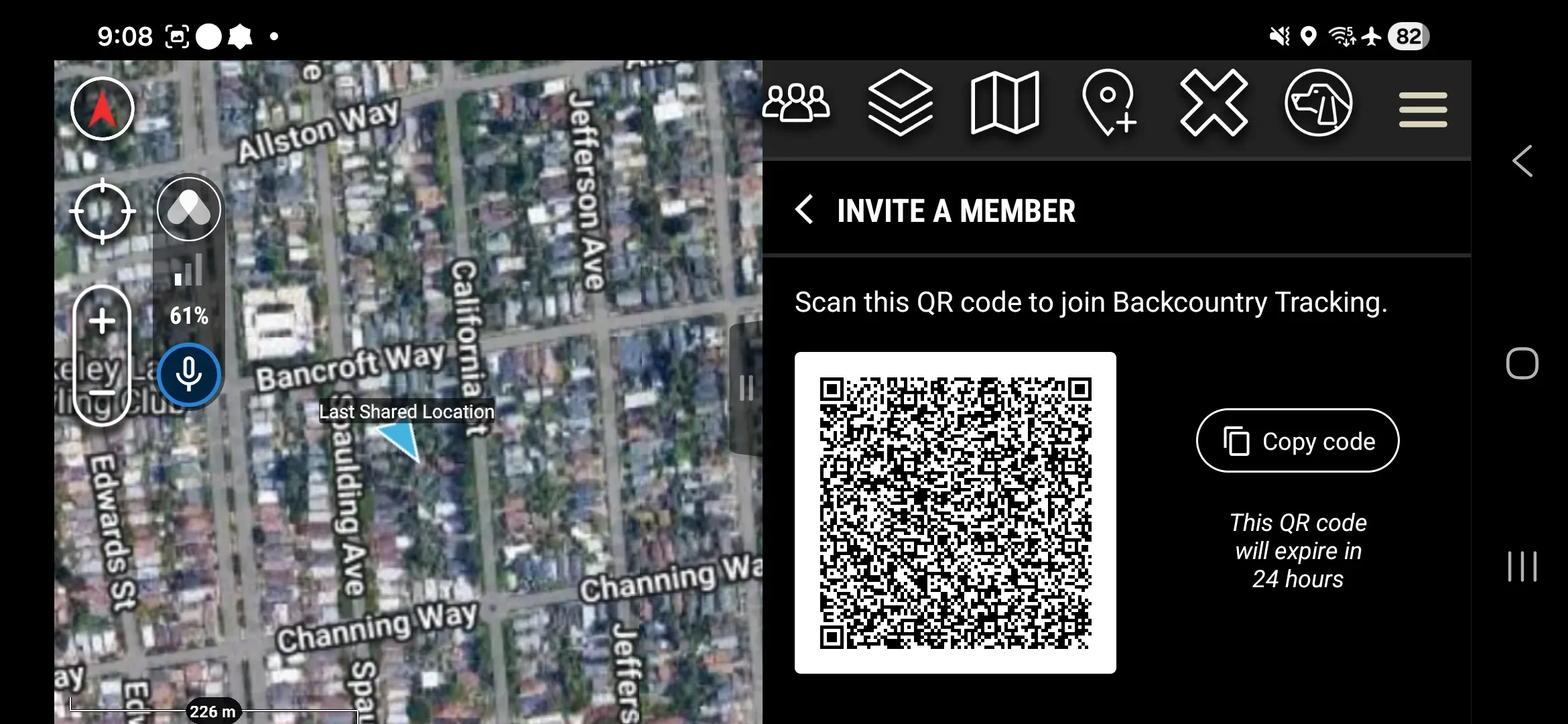
Generate a QR code that new Members scan to join your Workspace. You can do this from the Somewear web application or from the ATAK plugin.
Web application
- Click the Account tab in the top-right of the web application.
- Select the target Workspace from your list of Workspaces on the left.
- Click Access Keys & QR Codes.
- Click Generate QR Code.
ATAK plugin
- Tap Workspace.
- Select the target Workspace from the list.
- Tap Invite a Member.
Share the QR code with the new Member. They join by scanning it — see Join a Workspace.
Replace an expired QR code
A Workspace QR code expires 24 hours after you generate it. To invite a member after that, generate a new QR code using the steps above.