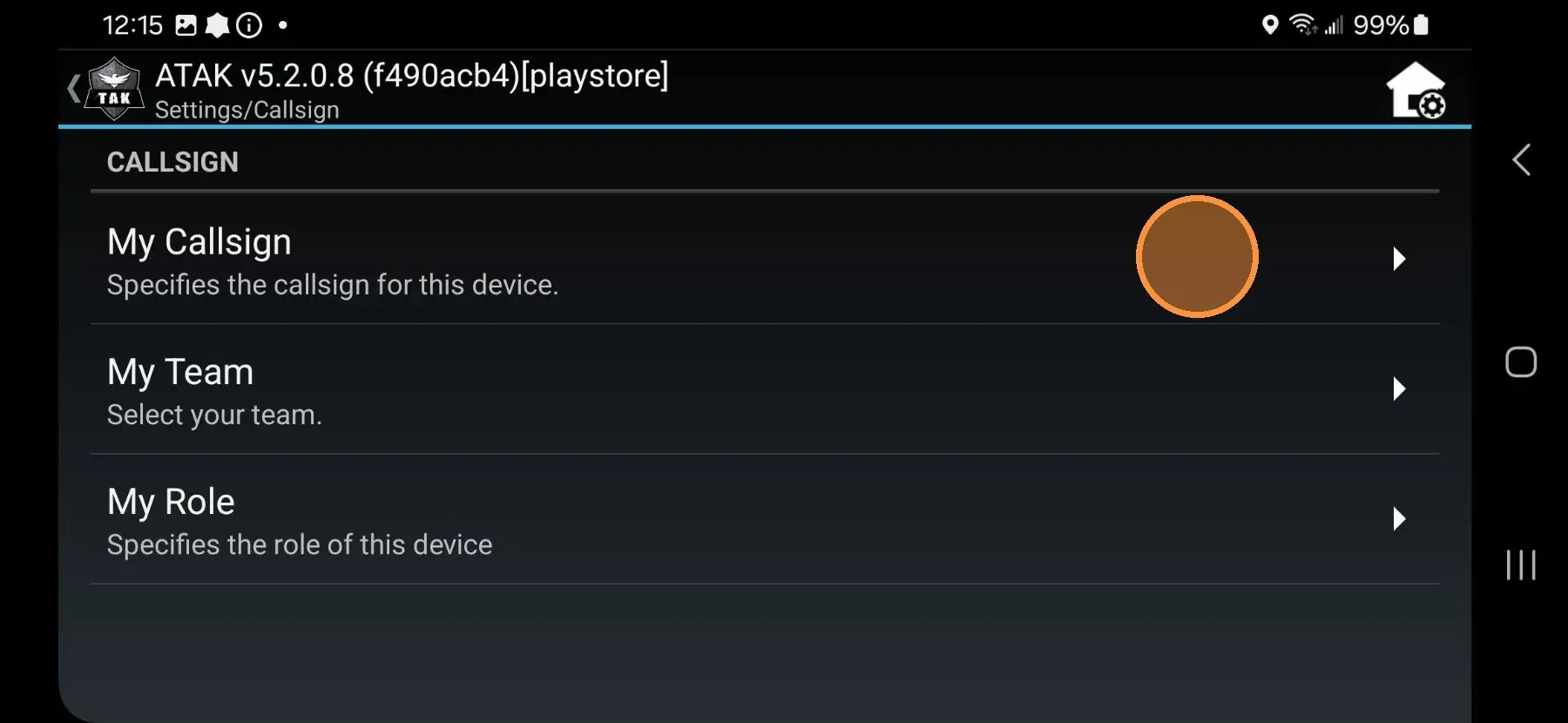
Your callsign is the label teammates see on the map next to your position marker. Set it before the comms check so you are identifiable on the team display. Callsign is stored locally on your device.
- Tap the three-dot menu (top right of the ATAK screen) to open the detail menu.
- Scroll down and tap Settings.
- Tap Callsign and Device Preferences.
- Tap My Callsign.
- Clear the current callsign and enter your new callsign.
- Tap Done.
- Tap the back arrow to return to the map.
Your callsign updates immediately. Confirm it appears correctly on the map before the comms check.