
Install ATAK-CIV and grant all Android permissions before installing the Somewear plugin — the plugin requires every permission listed below to function correctly.
Install ATAK-CIV
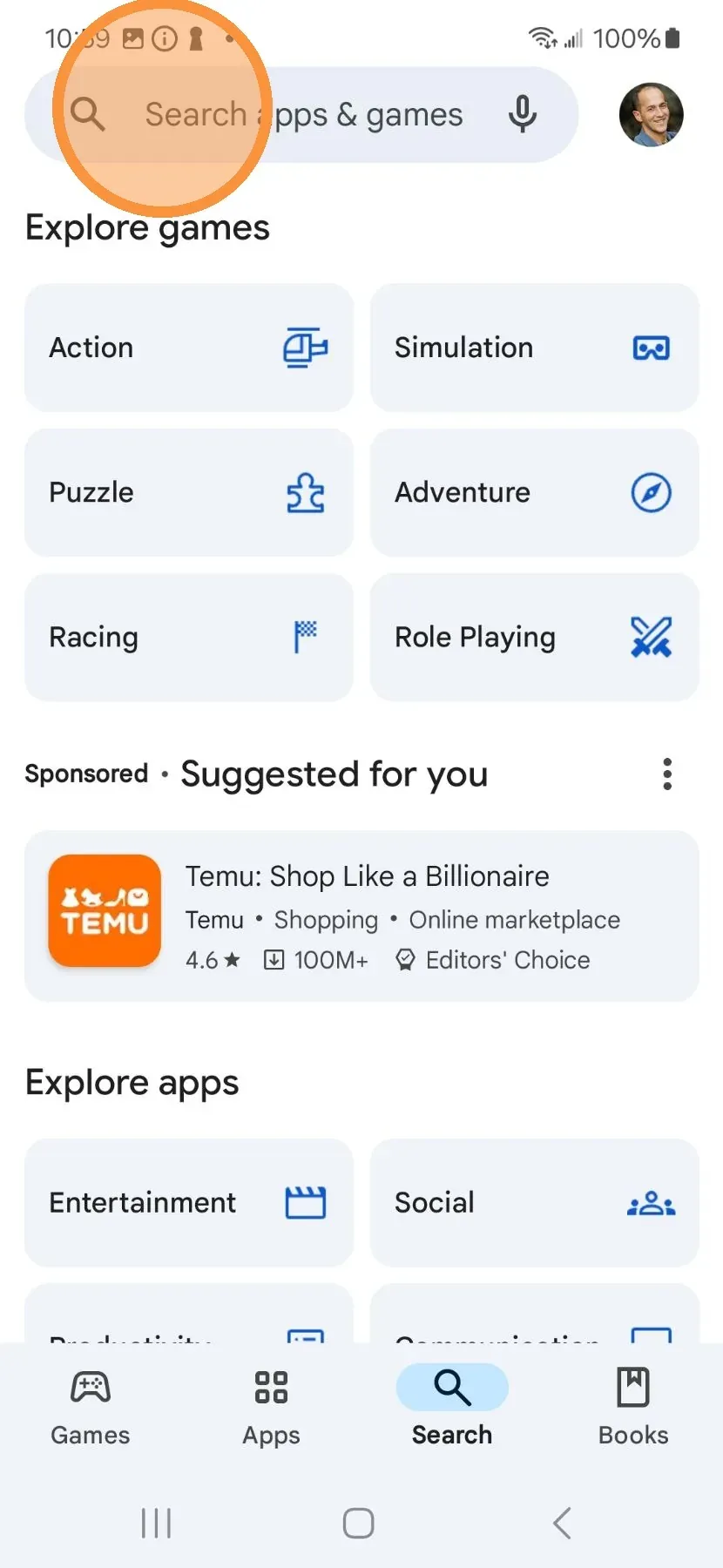
- Open the Google Play Store.
- Search for ATAK.
- Select ATAK-CIV from the results, then tap Install.
- Open the app after installation completes.
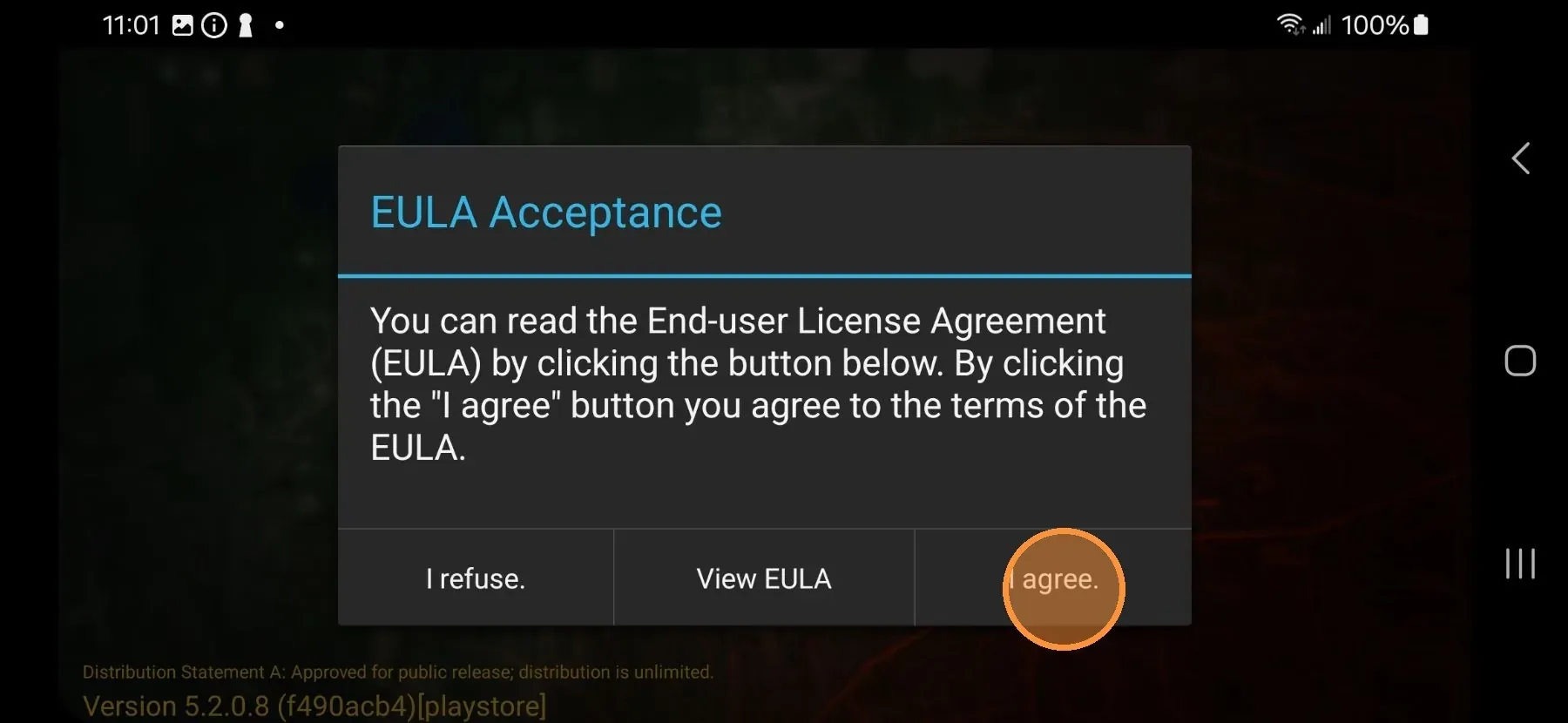
- Read and accept the End User License Agreement.
- Scroll through the permission rationale, then tap Accept.
Grant Android Permissions
ATAK presents more than ten permission prompts on first launch. Grant every permission — denying any may prevent plugin features from functioning.
- Tap Allow to let ATAK take pictures and record video.
- Tap While using the app to allow location access while the app is open.
- Tap Allow to let ATAK record audio.
- Tap Allow to let ATAK find and connect to nearby devices via Bluetooth.
- Tap Allow to let ATAK send notifications.
- Tap Allow to let ATAK make and manage phone calls.
- Tap Allow to let ATAK access music and audio files.
- Tap Allow to let ATAK access photos and videos.
- Read the background location rationale, then tap OK.
- Tap Allow all the time to grant background location access, then press the back button.
- Read the file-system access rationale, then tap I understand.
- Tap Allow access to all files, then press the back button.
- Read the battery optimization rationale, then tap OK.
- Tap Allow to exempt ATAK from battery optimization.
ATAK-CIV is now installed and ready. Proceed to install the Somewear plugin.
Required Permissions Summary
| Permission | Required Grant |
|---|---|
| Camera and video recording | Allow |
| Location (foreground) | While using the app |
| Location (background) | Allow all the time |
| Microphone / audio recording | Allow |
| Nearby devices / Bluetooth | Allow |
| Notifications | Allow |
| Phone calls | Allow |
| Music and audio files | Allow |
| Photos and videos | Allow |
| All files access | Allow |
| Battery optimization | Exempt (Allow) |