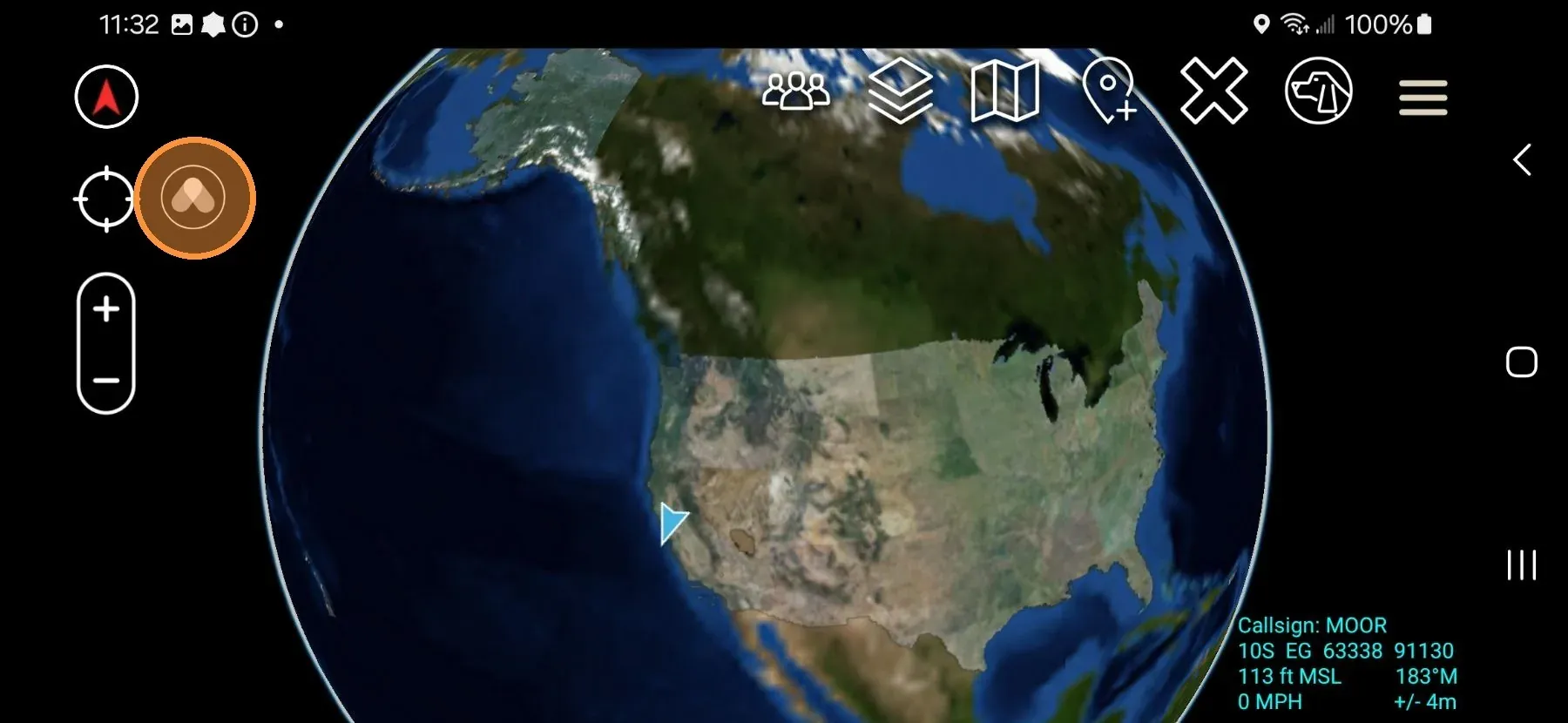
Install the Somewear plugin while ATAK is running, then accept the load prompt inside ATAK. The plugin is available from two sources, below.
ATAK must be installed to run the Somewear plugin. It’s recommended to open ATAK, then leave it running in the background — the plugin loads most easily when ATAK is open.
Where to get the plugin
The Somewear ATAK plugin is distributed through the Google Play store as well as TAK.gov.

Install the plugin
- Open ATAK.
- Tap the Home button to leave ATAK running in the background. Do not close it.
- Open the Google Play Store.
- Search Somewear ATAK.
- Tap Install.
- Switch back to ATAK using the recent apps switcher or the ATAK notification.
- When prompted, tap OK to load the Somewear plugin into ATAK.
- Tap the Somewear logo now visible on the ATAK screen.
- Tap Allow when prompted to send notifications.
- Tap Allow when prompted to access this device’s location.
- Tap Allow when prompted to access this device’s microphone.