
Put the Node into Bluetooth pairing mode, then accept the pairing request in the Somewear ATAK plugin. Takes about two minutes.
Step 1 — Enable pairing mode on the Node
- Confirm the Node is completely powered off — the LED is dark — and not connected to charging.
- Press and hold the Power Button. Watch the LED.
- The LED flashes green, then turns fast white. Release the button when the LED starts to turn white.
- Confirm pairing mode: the LED blinks fast white.
Step 2 — Pair in ATAK
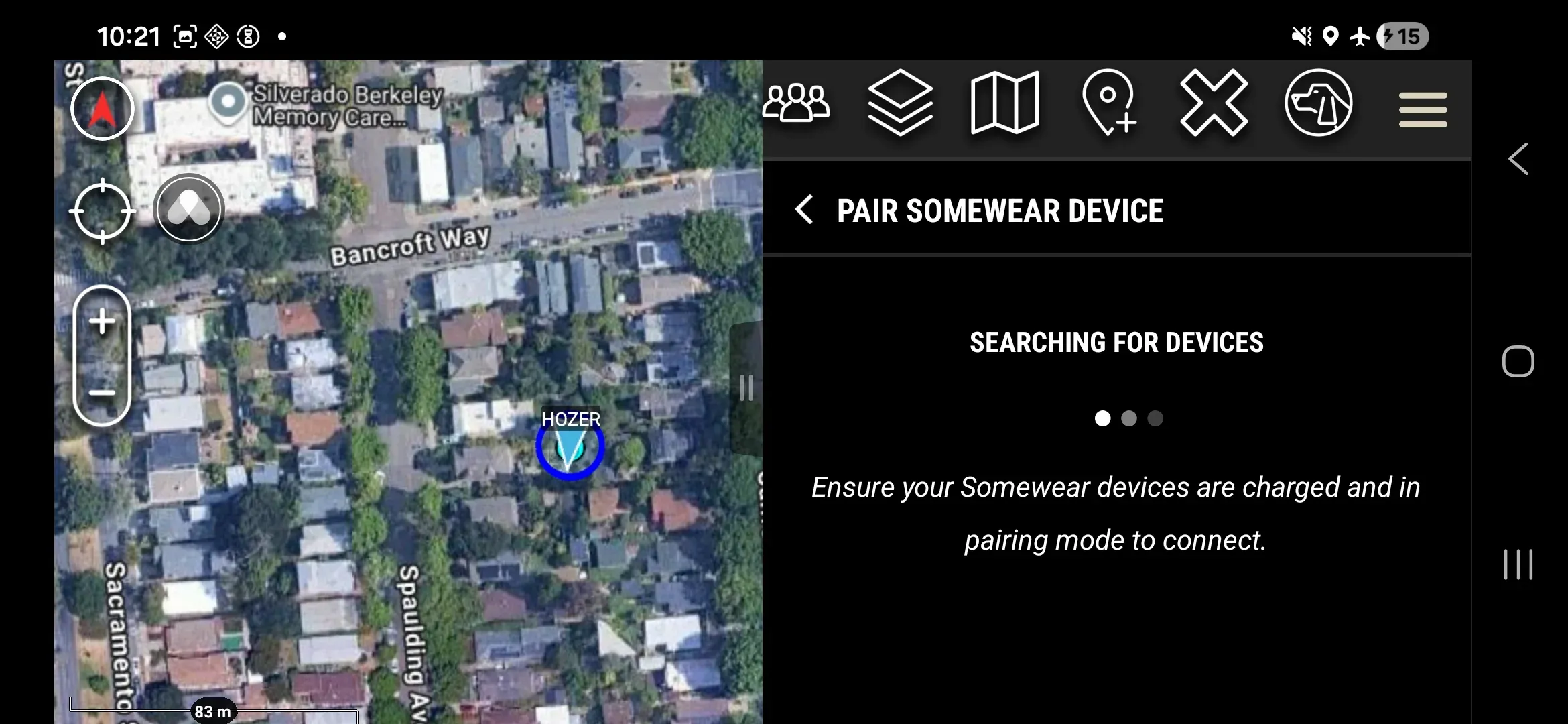
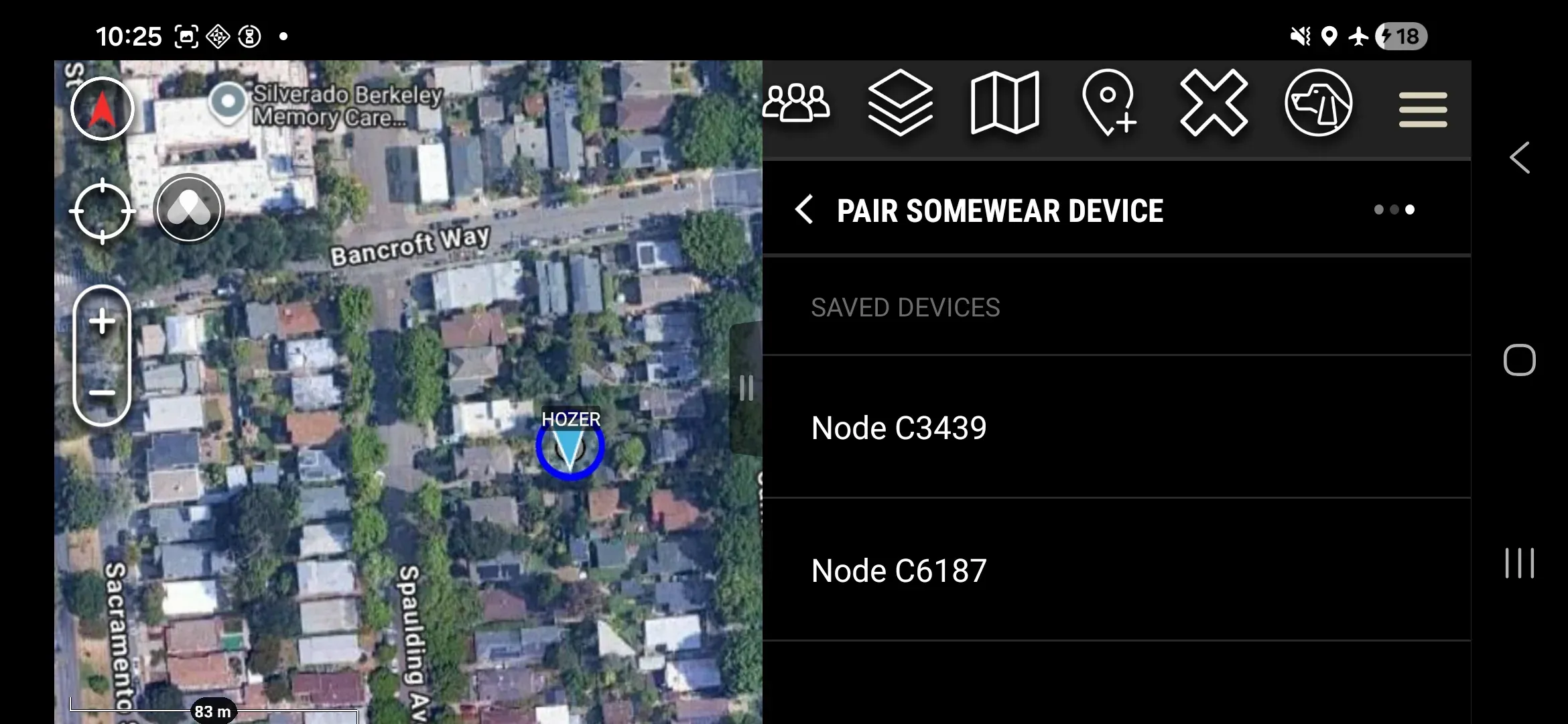
- Tap TAP TO PAIR TO DEVICE in the plugin. The device selector appears; tap the target Node from the list. Devices are shown by serial number (e.g., “Node C6153”).
- If the Android Bluetooth pairing request appears, tap Pair.
- Verify pairing: the bottom status bar shows Node battery, satellite signal, and serial number, and the Node LED is blue.
Unpair
- Tap the bottom status bar that shows the paired device info.
- Tap Disconnect.
- Confirm in the prompt.