
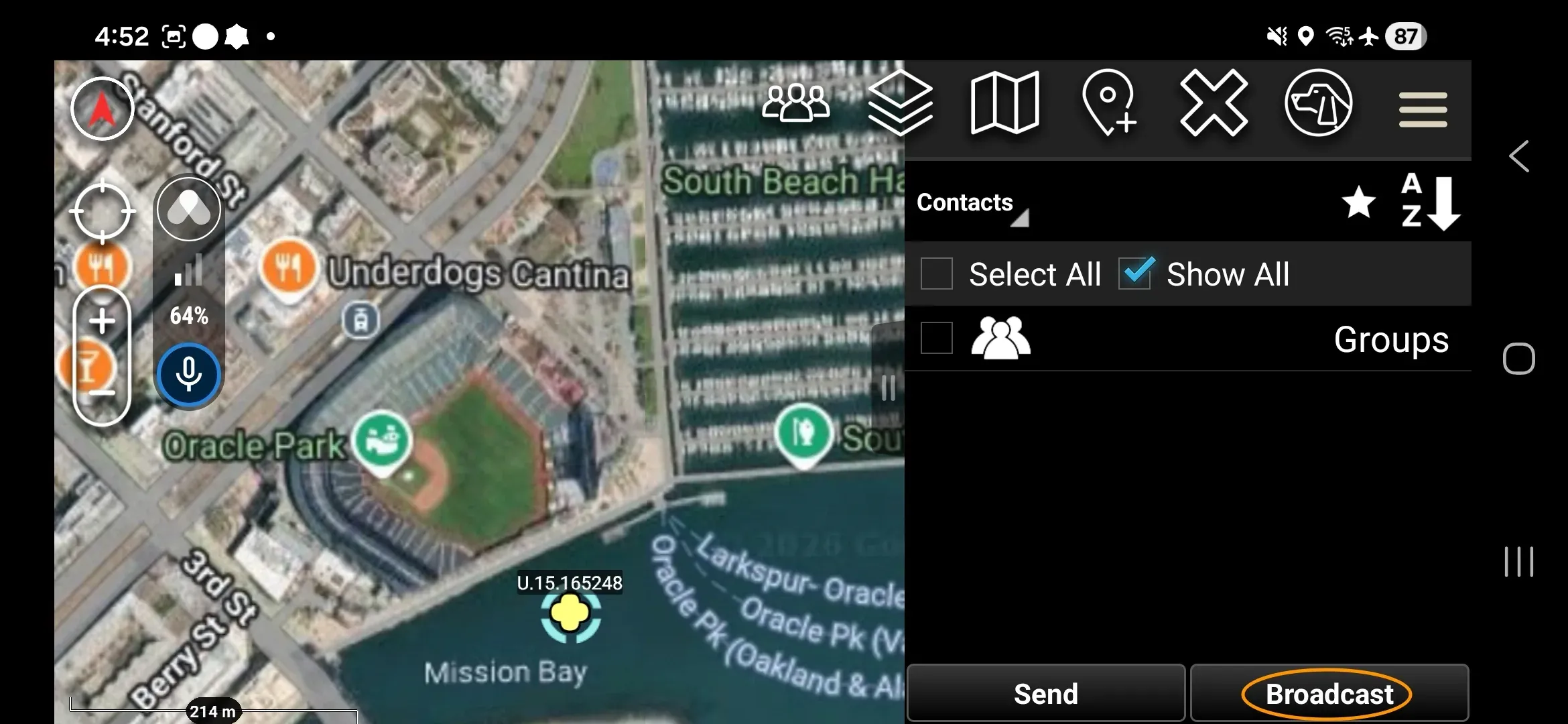
Use Send → Broadcast in ATAK to share supported shapes, markers, and CASEVAC reports with your Workspace — the group of devices and users on a shared Somewear network. Each object is placed with standard ATAK tools, then sent the same way.
Markers
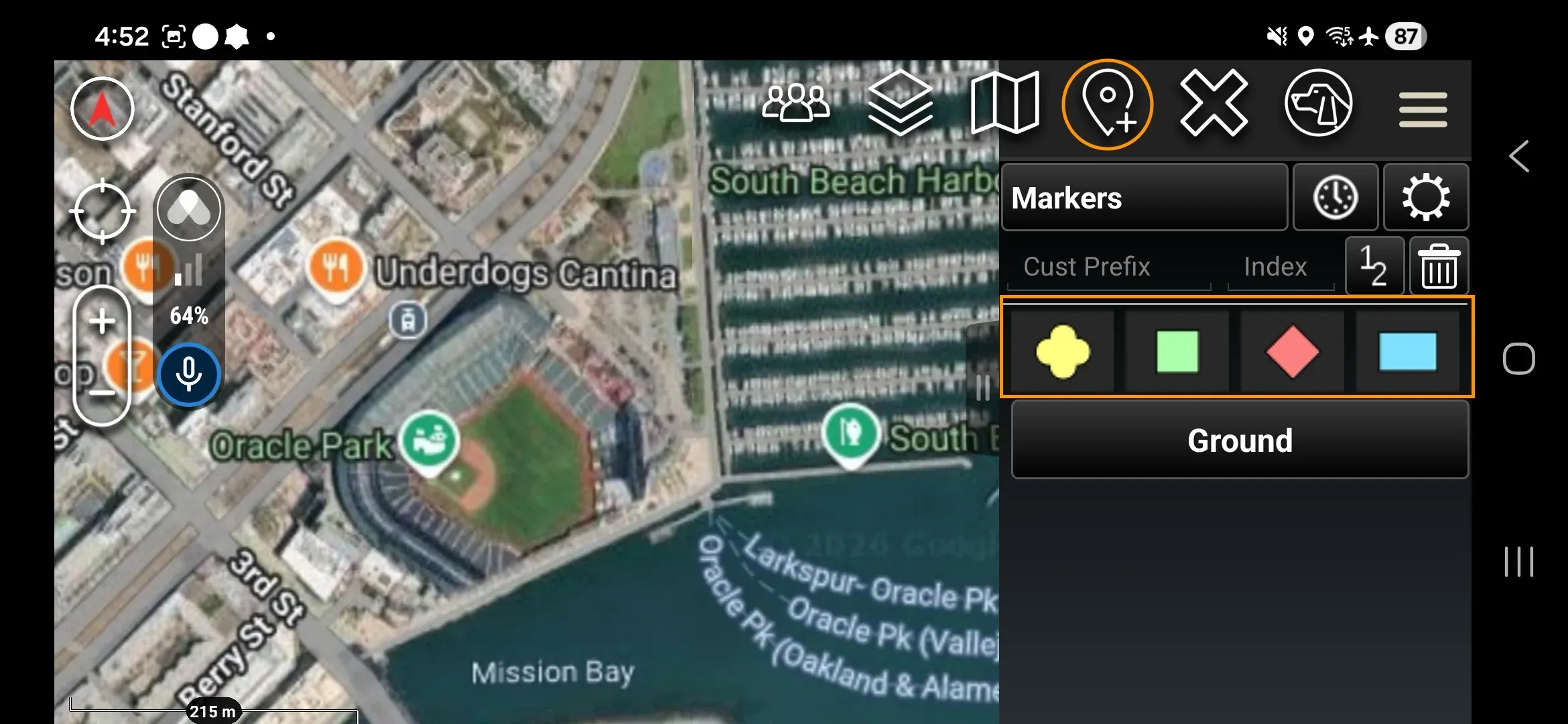
All MIL-STD-2525 markers and ATAK icon palettes, except vehicles, are supported.
To place and send a marker: tap the Point Dropper, choose the marker type, tap the map, then open the marker’s detail popup and tap Send → Broadcast.
Shapes
Supported shapes are circles, rectangles, polygons, and lines drawn using the ATAK Drawing Tools.
CASEVAC
Follow the standard steps to create a CASEVAC 9-line, then use Send → Broadcast to send over Somewear.
Receiving a shared object
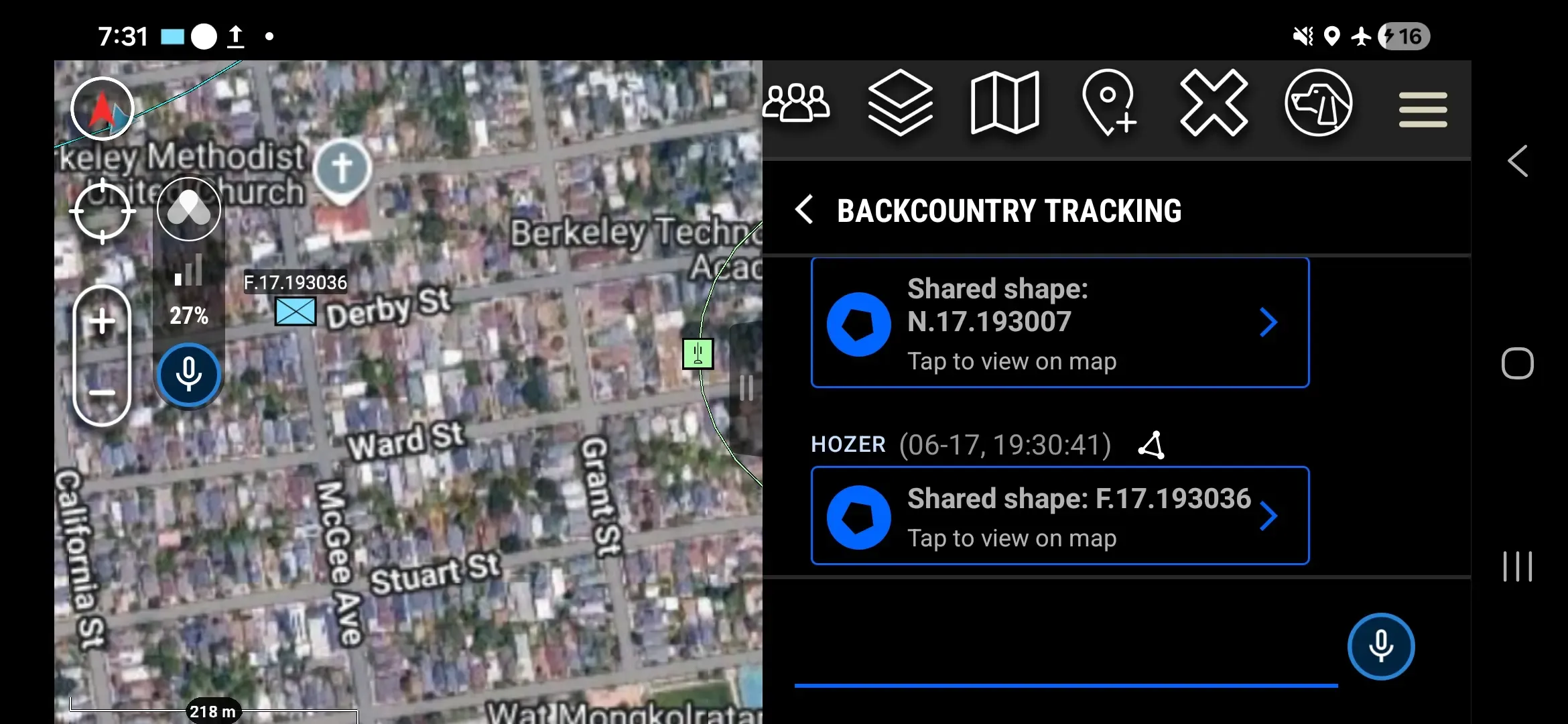
When a teammate shares a shape, marker, or CASEVAC, it also appears as a box in the Somewear chat window so every Member can find it quickly. Tapping the preview message will snap the map to the object.
Related
- Sending Messages — send text and attachments to Workspace Members
- SmartRelay and SmartBackhaul — how Somewear routes data across available links
- SOS — trigger and resolve an emergency signal